Choose your distractions.
Pick the apps that pull you in. Keep the rest of your phone working for you.

Limit your scrolling. Block the distractions.
Make room for what you actually want to do.
 SCAN TO MEET THE PATROL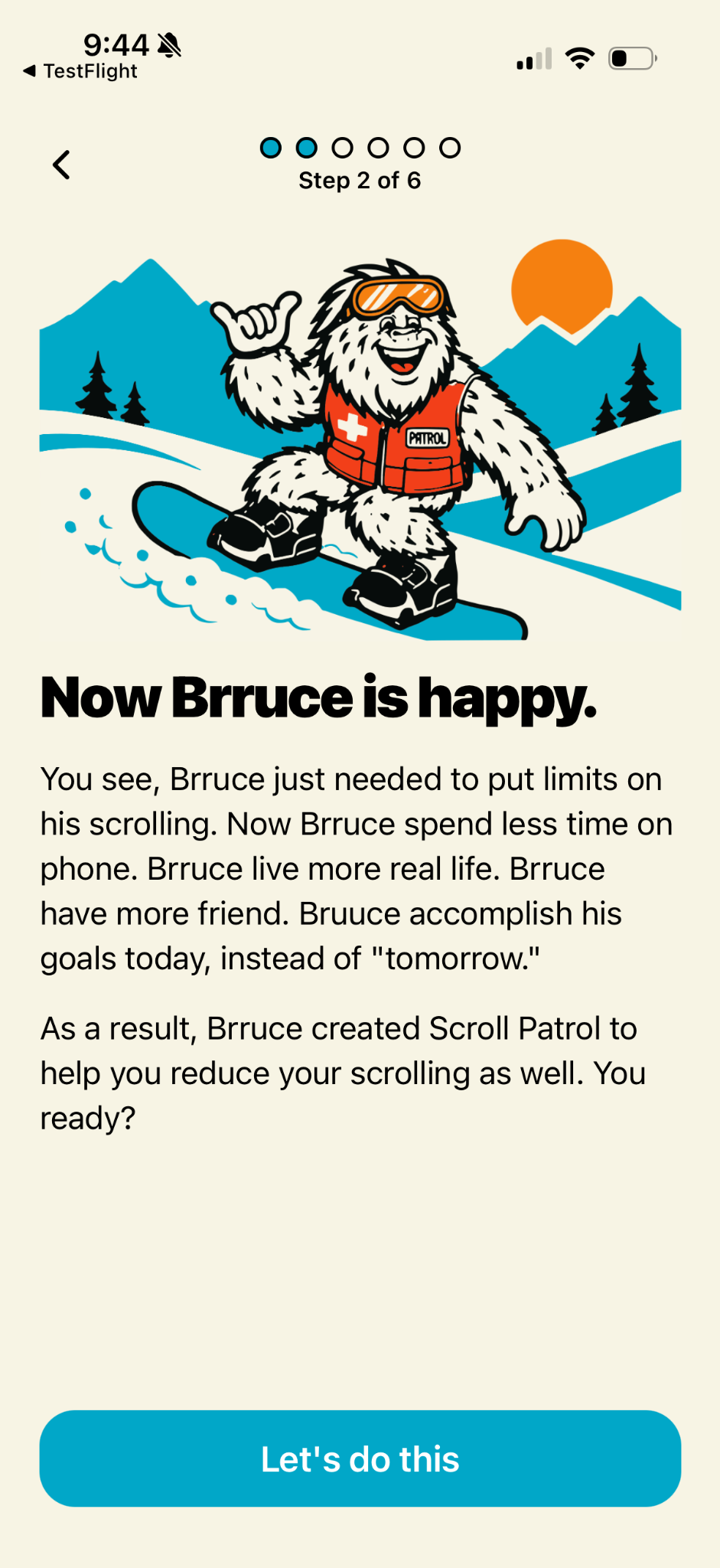
A quick check shouldn’t turn into an hour.
Give your scroll sessions a finish line.
Pick the apps that pull you in. Keep the rest of your phone working for you.
Set a session limit—even one minute. When time’s up, Scroll Patrol blocks the app.
Need some space? Turn Patrol on to block your selected apps. Turn it off when you’re ready.
TRY IT OUT · INTERACTIVE APP PREVIEW
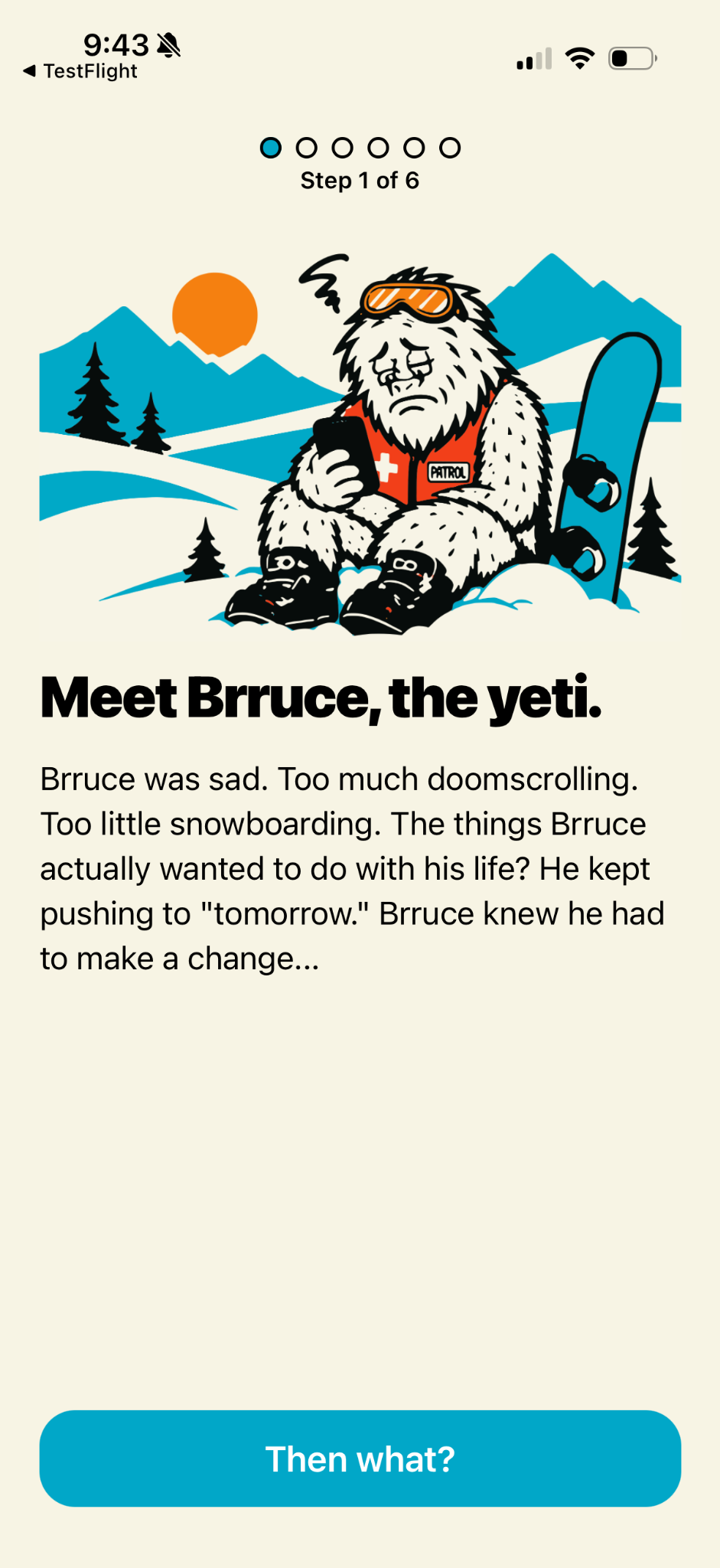
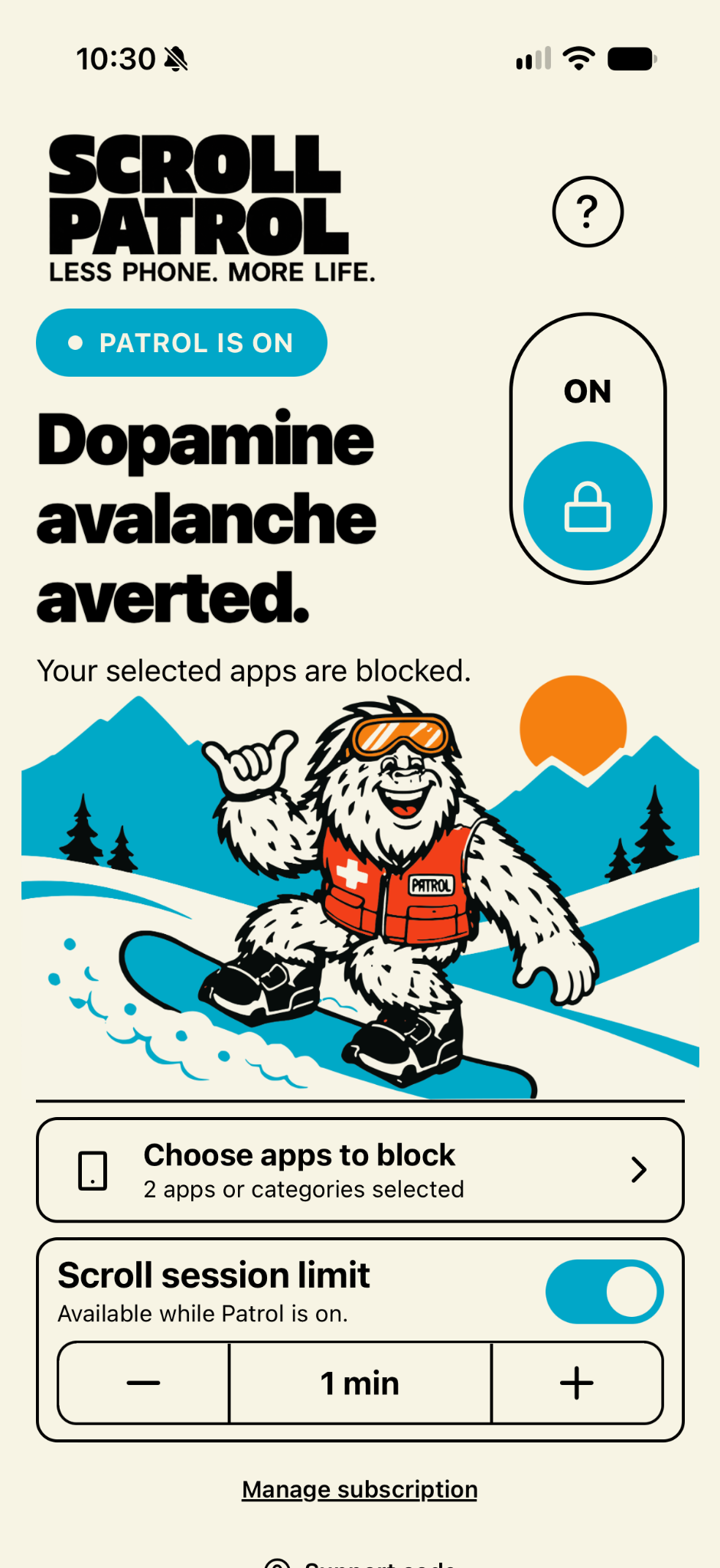
Too much doomscrolling. Too little snowboarding. Brruce kept putting the things he wanted to do off until “tomorrow.”
Then he put some limits on his phone—and got back to living his life. Now he’s here to help you do the same.
Less feed. More fresh tracks.What could you do with a little less screen time?
Move the slider. Find your extra time.
For the trails. The people.
The thing you keep putting off.
A practical, no-guilt guide to interrupting doomscrolling and making room for the things you actually want to do.
Read the noteUnderstand the difference between session limits and daily app limits, and choose a boundary that fits your day.
Read the noteBuild a simple phone-free morning with a small boundary, a real-world activity, and a plan for your first check-in.
Read the noteChoose the apps you want to manage, then set a scrolling session limit. Scroll Patrol blocks a selected app when the session limit is reached. You can also use Patrol mode to block your selected apps.
No. You choose which apps to manage. You can leave your maps, messages, camera, and other useful tools out of that selection.
Scroll Patrol needs Apple’s Screen Time permission to manage the apps you select. You grant that permission during setup.
Scroll Patrol is designed for iPhone. This site does not offer an Android version.
Current subscription options and any trial terms are shown in the app before you purchase.
Visit Help & support for setup guidance and subscription resources.
Your mountains are waiting.